Approaches, departures, arrivals and airport diagrams for 3,900+ airports — FAA and European — without ever alt-tabbing out of the sim.
Free & open source · installs to MSFS 2020 and 2024
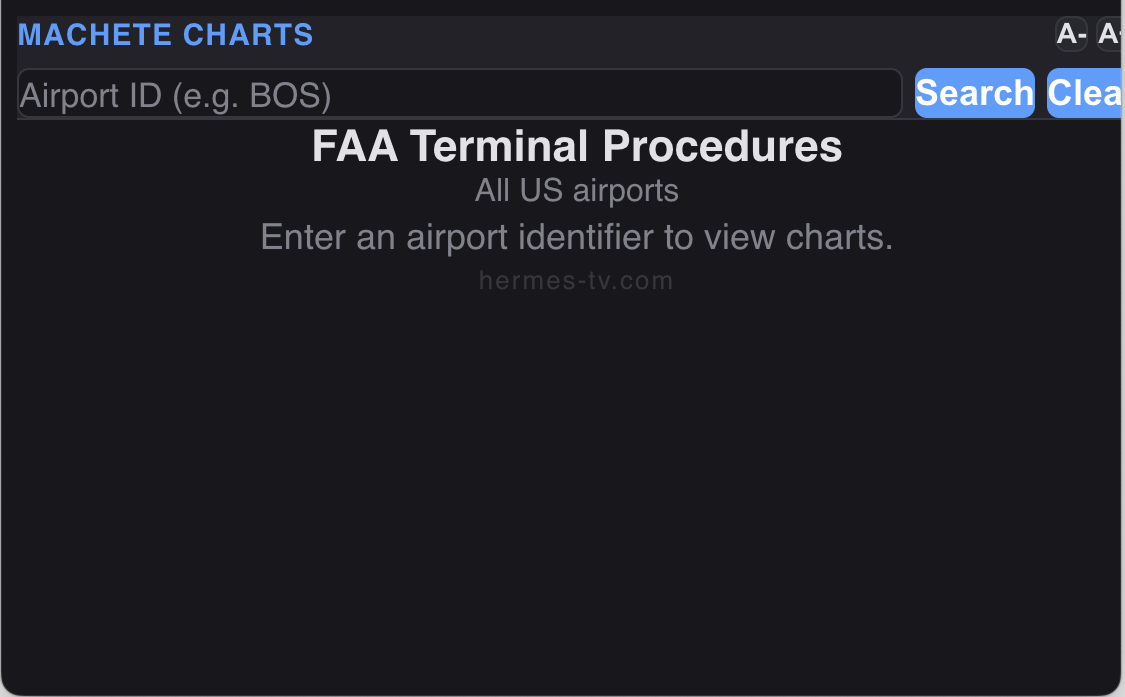
Always the latest charts — nothing to update. Plates load live and are refreshed on the 28-day AIRAC cycle, so every time you open the panel you're on current charts. No downloads, no re-installs, no manual updating (an internet connection is all it needs).
Sourced from official government AIPs and refreshed on the 28-day AIRAC cycle.
Taxi layouts, runways and ramp — so you know the ground before you land.
ILS, RNAV, VOR, LOC and visual approaches, plate by plate.
Standard instrument departures to fly the way ATC expects.
Standard terminal arrival routes for a stabilized descent into busy fields.
A toolbar panel that behaves like it belongs in the sim — mouse, touch or VR.
Find any field by identifier or name — type BOS, KBOS or "Logan".
No hardware keyboard needed — tap to type, scroll results and go.
Flip charts to dark to keep your night vision in a dim cockpit.
Scroll, pinch or double-tap to zoom; drag to pan, "Fit" to reset.
Scale the interface up to 300% and it remembers your choice.
Your last fields are one tap away for quick re-briefing.
Every chart comes from the country's official Aeronautical Information Publication.
US charts come from the FAA's digital Terminal Procedures Publication (public domain). European charts come from freely accessible national AIPs; copyright remains with each aviation authority.
The installer finds your Community folder automatically — MS Store or Steam, 2020 or 2024.
Grab MacheteChartsSetup.exe from the latest GitHub release.
It auto-detects MSFS 2020 and 2024 and installs to both if you have them.
Launch the sim and click Machete Charts in the top toolbar.
Free, open source, and ready for your next approach.
Download Machete Charts